
Getting started with Medmory: from sign-up to your first study session
· 8 min read
Medmory turns the material you already study from — textbooks, lecture slides, even photos of handwritten notes — into active-recall questions, and then schedules each one to come back right before you'd forget it. Upload a chapter, and minutes later you have MCQs, descriptive answers, mnemonics and voice vivas ready to practise.
This guide walks you through the whole thing the first time — from creating your account to your first study session and tracking your progress. It's written for medical students and doctors preparing for university exams, NEET-PG, INI-CET, FMGE, USMLE or PLAB, but the flow is the same whatever you're studying for.
Create your account
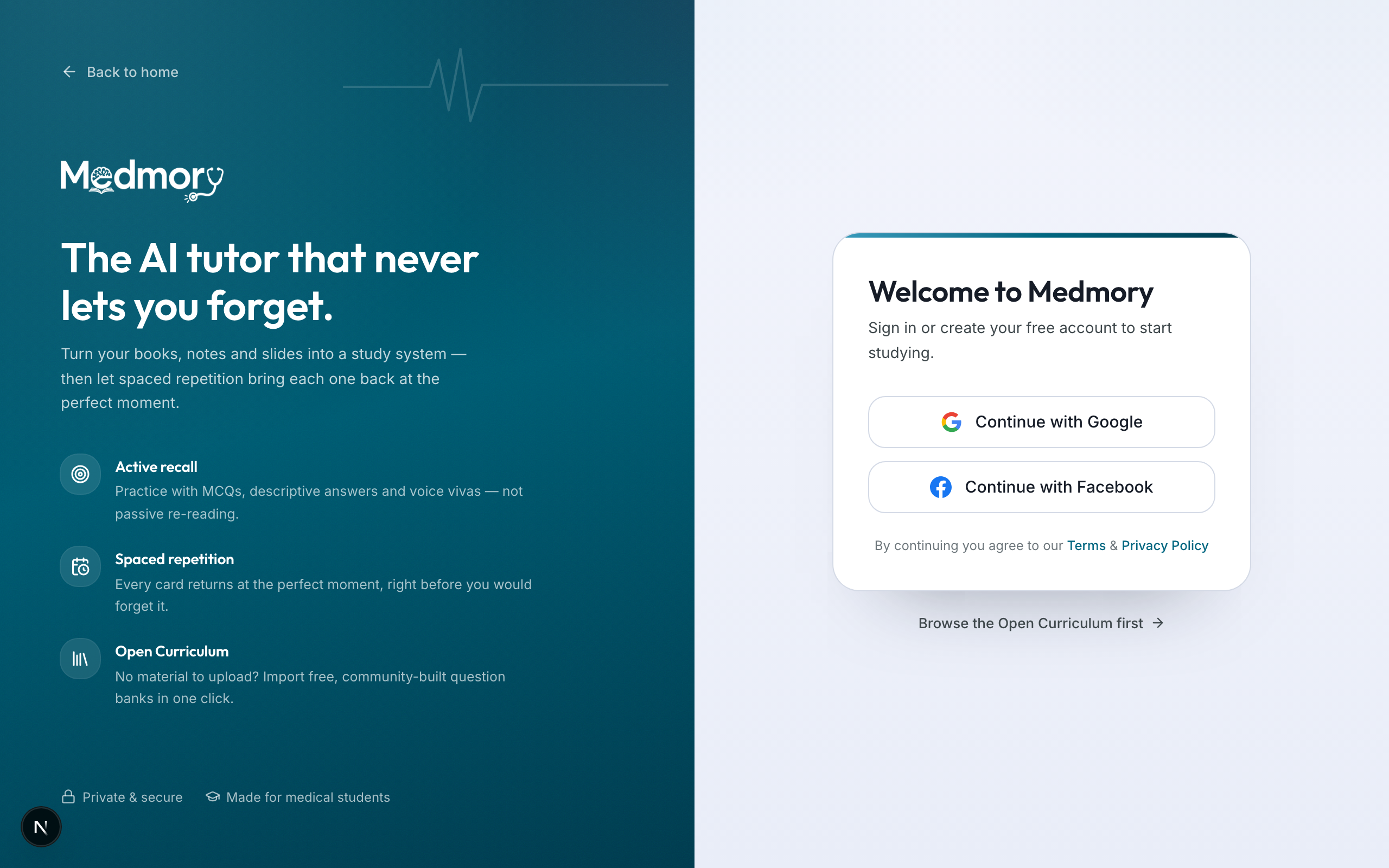
Head to the sign-up screen and choose Continue with Google or Continue with Facebook. There's no password to create or remember — Medmory uses your existing account to sign you in securely in one tap.
Tell Medmory about your studies
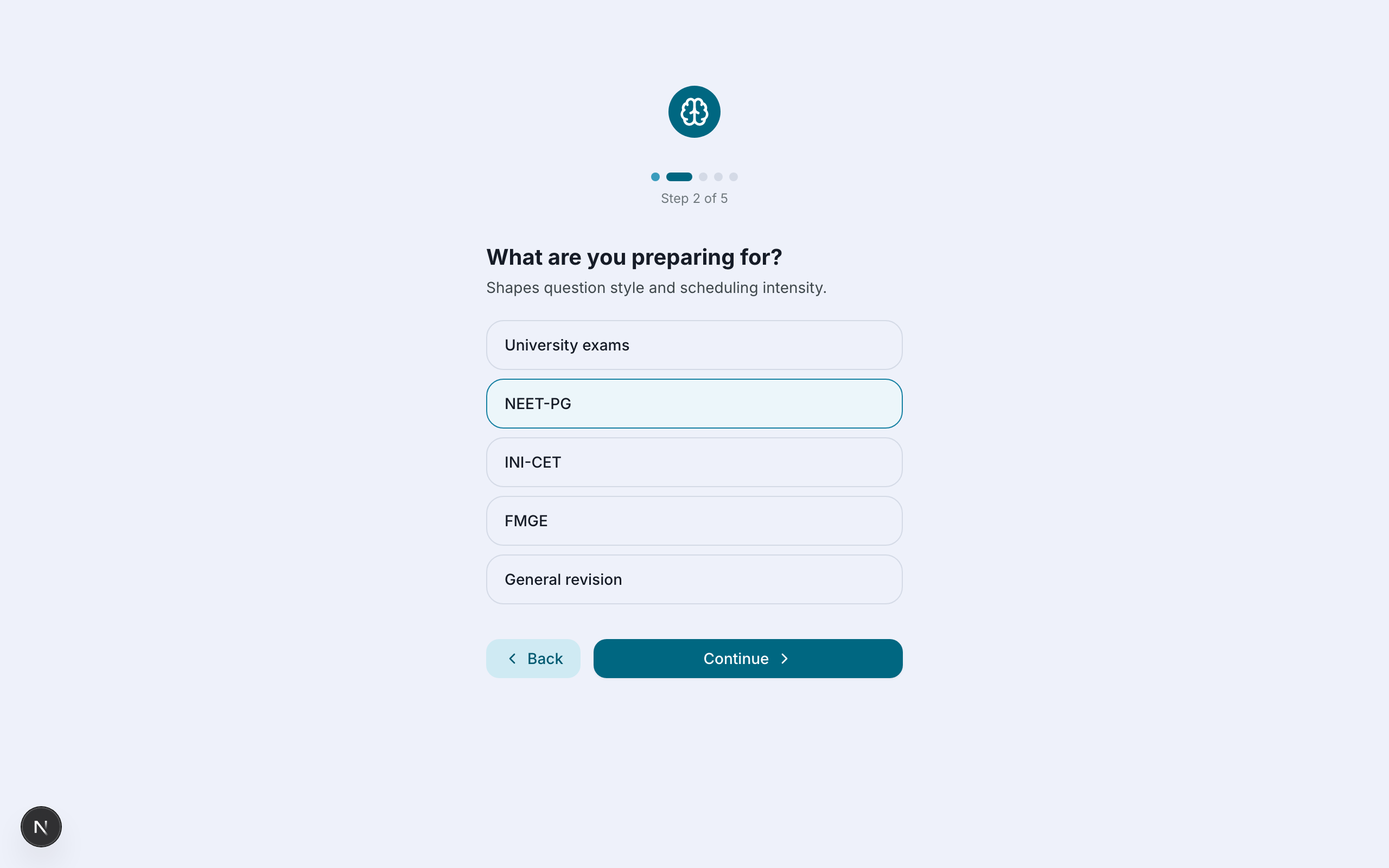
The first time you sign in, a short five-step setup tailors the app to you. You'll choose where you are in your course, what you're preparing for (university exams, NEET-PG, INI-CET, FMGE and so on), how much time you can study each day, and the style of cards you like.
That last choice — your learning style — shapes how questions are written: from Rapid Recall (high-yield MCQs) and Exam Sniper (targeted to your exam) to Deep Mastery (research-grade) or Foundations (beginner-friendly). You can also opt in to WhatsApp reminders so a daily nudge keeps you on track.
Try it free on your own notes
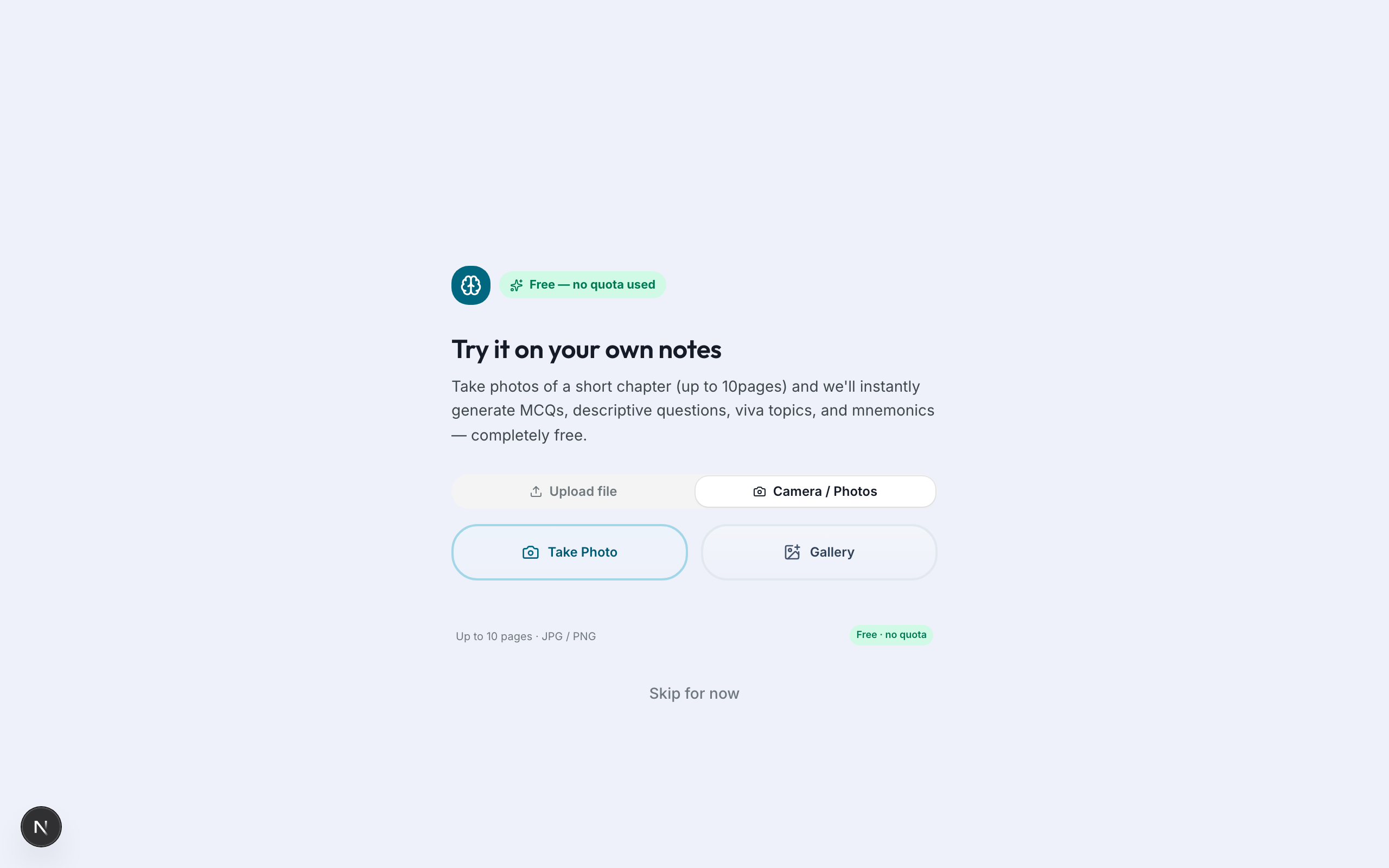
Before anything else, Medmory lets you generate a free preview from your own material. Snap photos of a short chapter — up to ten pages — and it instantly turns them into MCQs, descriptive questions, viva topics and mnemonics. No quota is used, so it costs you nothing to see the magic.
Build your library
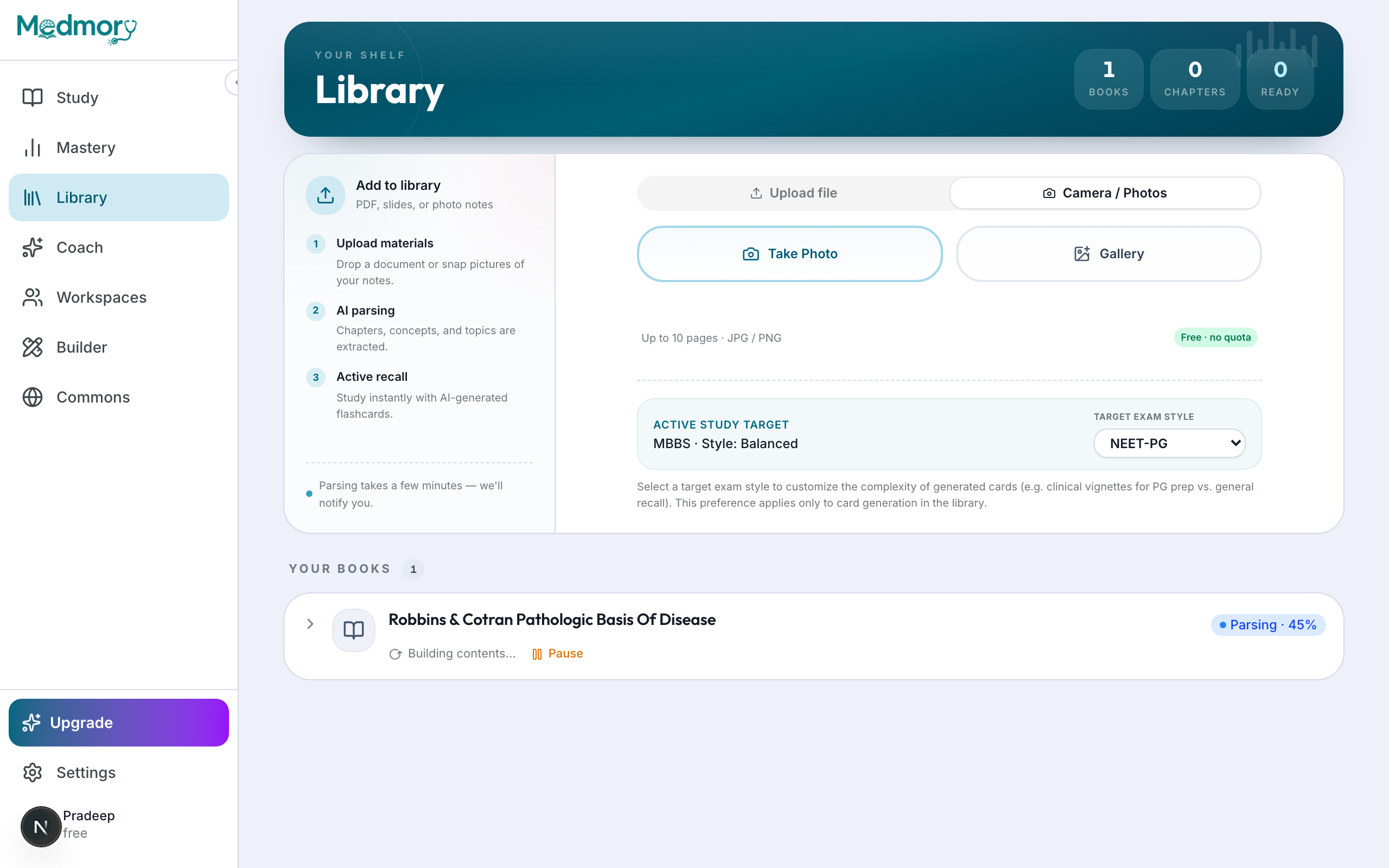
When you're ready for the real thing, open the Libraryand upload your study material — PDFs, lecture slides, or photos of notes. The first time, you'll pick your curriculum programme so cards match your syllabus. Medmory then parses each document in the background and generates cards chapter by chapter.
Parsing takes a few minutes per book — you can close the tab and you'll be notified when each book is ready. As chapters finish, they appear in your library with their card counts.
Your first study session
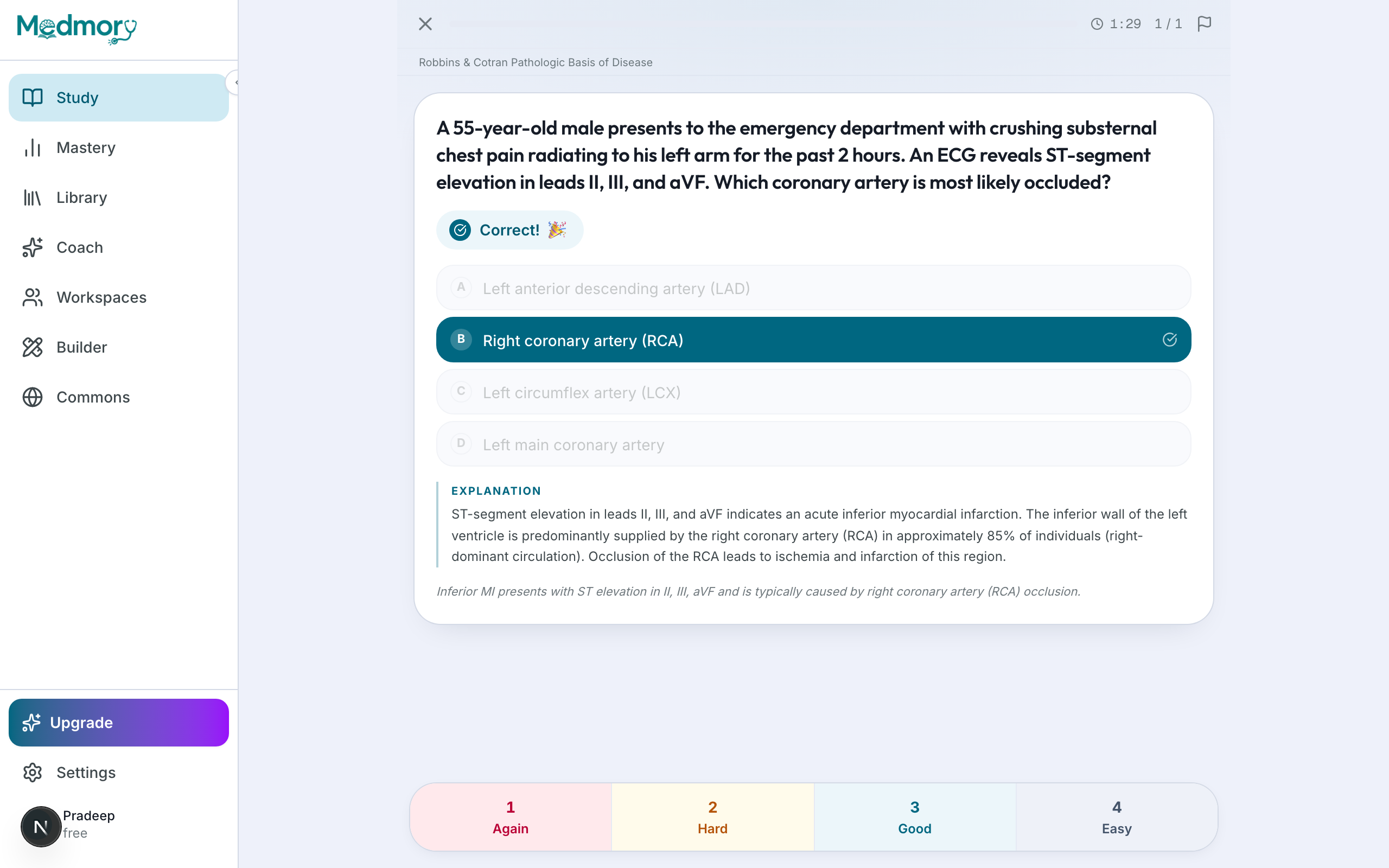
Open Study and start a session. Medmory shows you a card at a time. For an MCQ, pick an option and hit Confirm— you'll immediately see whether you were right, the correct answer, and a short explanation with the teaching point.
Then you grade how it felt: Again, Hard, Good or Easy. That single tap is the engine of the whole system — it decides when the card comes back. Struggled? You'll see it again soon. Nailed it? It won't resurface until you're about to forget it.
Go deeper: written answers and voice vivas
Medmory isn't only multiple choice. Descriptivecards let you type — or speak — a full answer, which an AI grades against the key points, showing you exactly what you covered and what you missed. It's the closest thing to having your answer marked instantly.
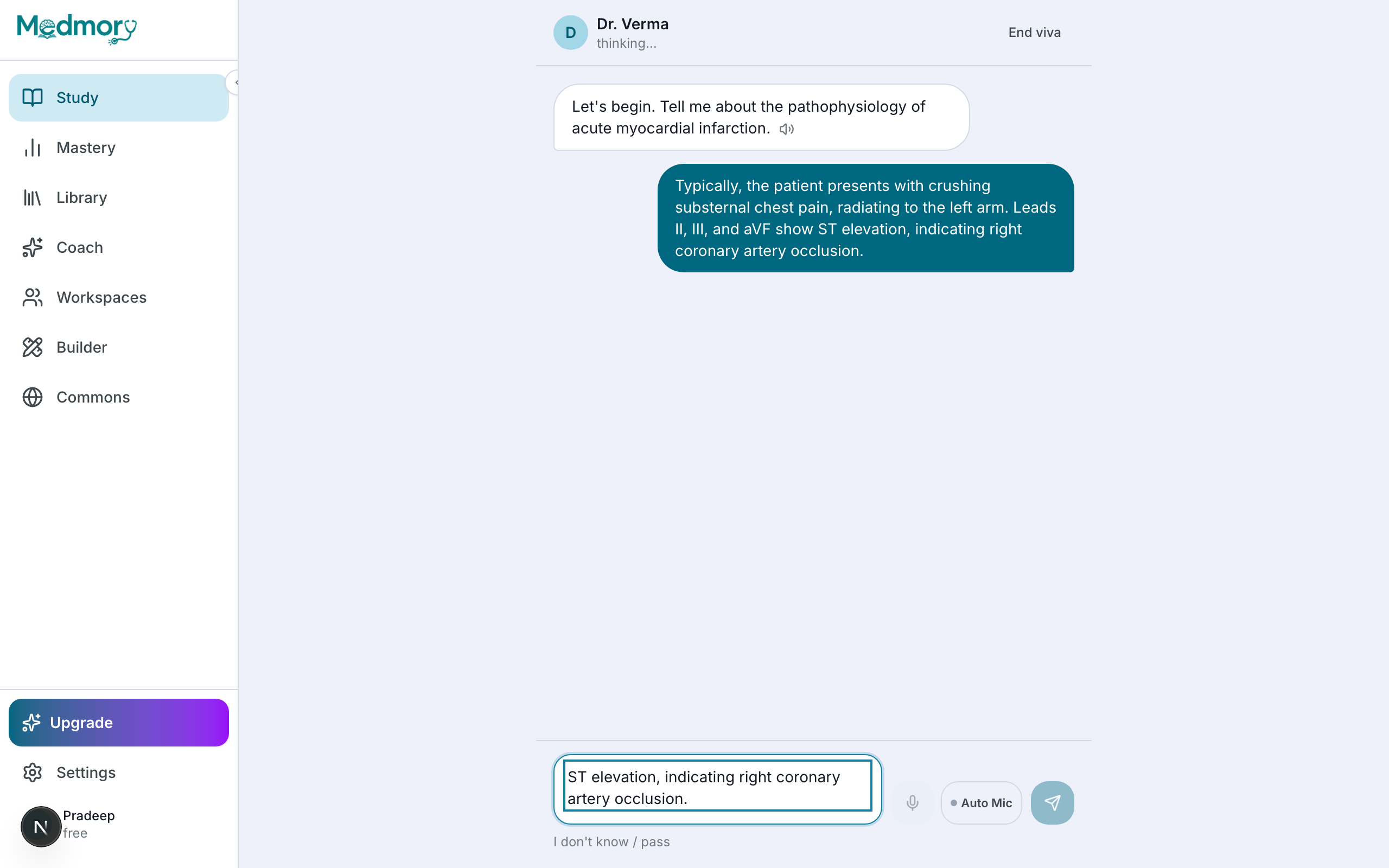
For oral exams, Voice Viva puts you in a conversation with an AI examiner. Pick a persona — the strict Dr. Kapoor, the academic Prof. Sharma, or the guiding Dr. Verma — and answer by typing or by voice. At the end you get a score for accuracy, depth and structure, plus the topics to revisit.
See what you actually know
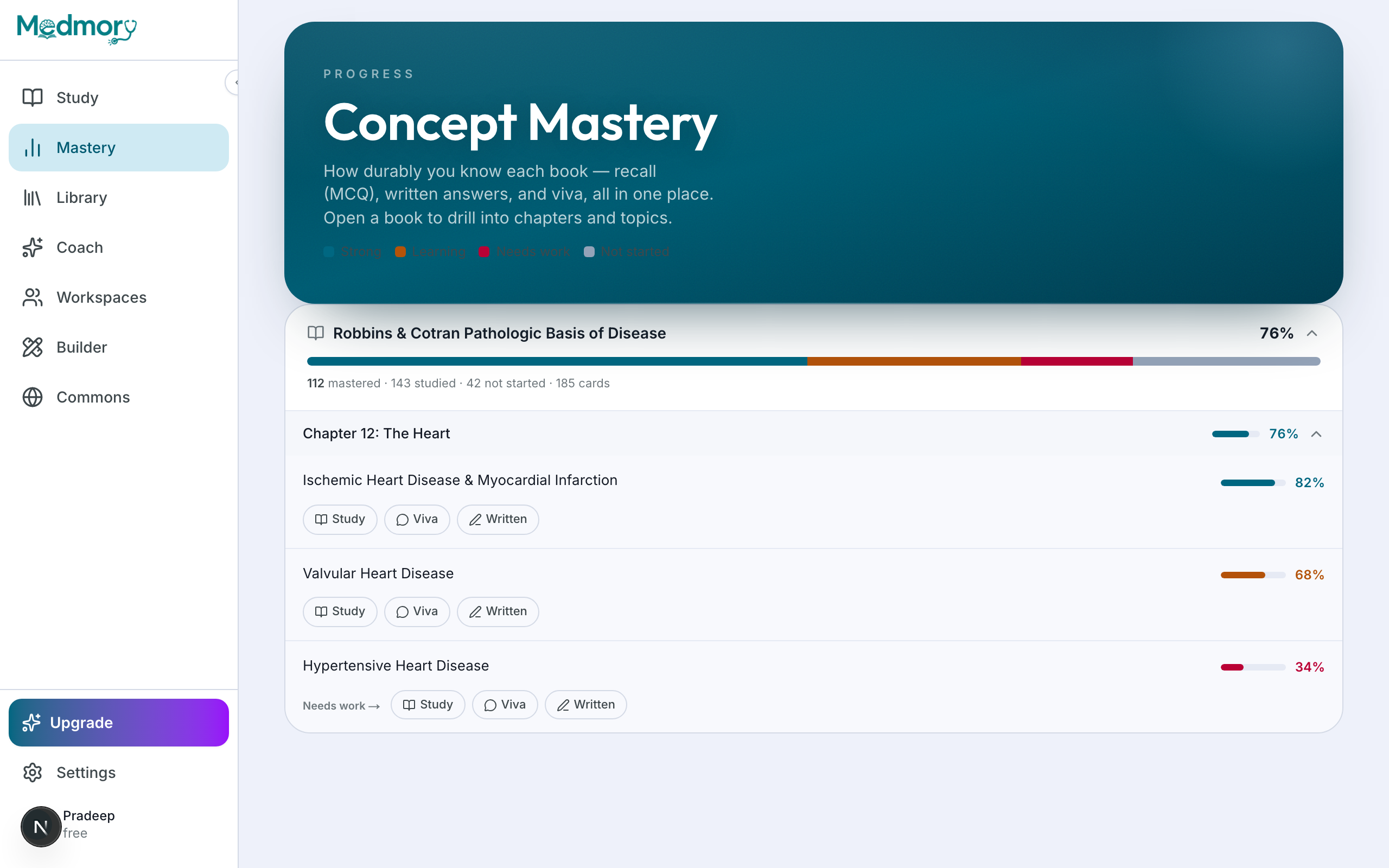
As you study, Masterybuilds a clear picture of your strengths and gaps, chapter by chapter and topic by topic. Each topic shows a mastery meter and quick buttons to drill it as cards, a viva, or written practice. Topics that are starting to fade surface as “review soon” alerts so nothing slips.
Your Plankeeps the workload realistic: set a target exam date, adjust your daily pace, and schedule study breaks. Medmory spreads new cards out so you're never buried — and never idle.
Make it a habit — and upgrade when you're ready
The daily loop is simple: clear your due reviews, upload new material as you cover it, and let Mastery and Plan keep you honest. Turn on WhatsApp or in-app reminders and Medmory will nudge you each day.
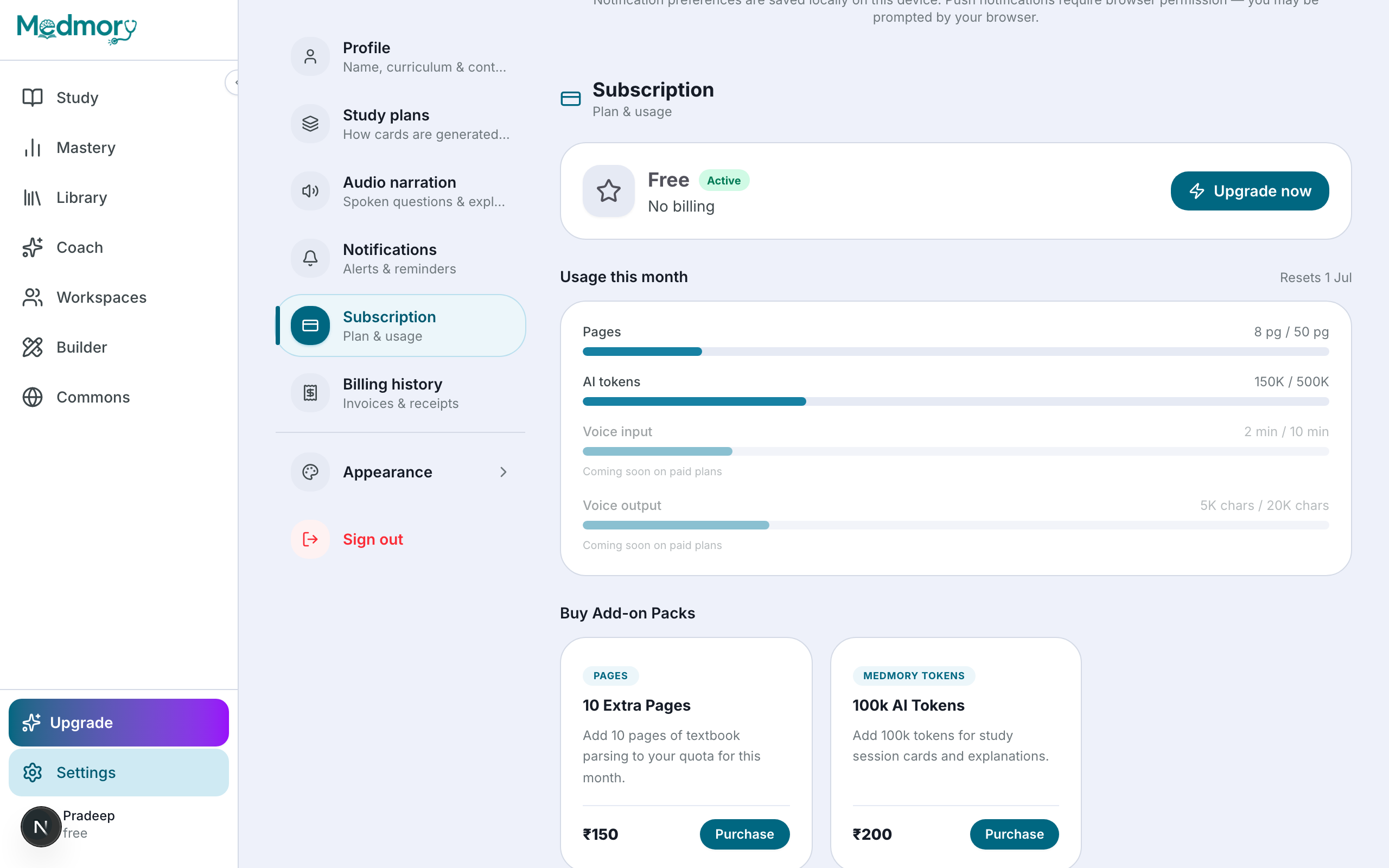
The free plan is enough to learn the ropes. When you want more — unlimited uploads, voice study and viva, deeper analytics, or shared workspaces for your batch — you can move to Pro or Ultra Pro from Settings → Subscription.
That's the whole loop
Upload your material, study the cards Medmory makes from it, and trust the schedule to bring each one back at the right moment. Do that a little each day and the things you learn actually stick — right through to exam day. The best next step is simply to create your first deck.